
Tuesday, 6 August 2019
Big day for Rolex
Rolex is our new class member. He joined us in the last week of Term 2. He comes from a school in Manurewa. Just last week Rolex has received his pair of glasses and his hearing aide from the nurse. He was bit reluctant to wear his glasses and hearing aide but today with the help and encouragement of some of the class students he successfully can put it on all by himself and felt proud of it.


Tuesday, 23 July 2019

Monday, 22 July 2019
Keyboard Ninja by Ahou

We have been learning keyboard shortcuts. I used Google Draw to create my poster. I used the webcam to take my photo.
Wednesday, 3 July 2019
Storyboard
For our reading, one of the activities was for us to do a storyboard by going on https://www.storyboardthat.com/
Below are some of the learners storyboard. It was their first attempt.

By: Ilm
 By: Alefaio

By: Eloida


Tuesday, 2 July 2019
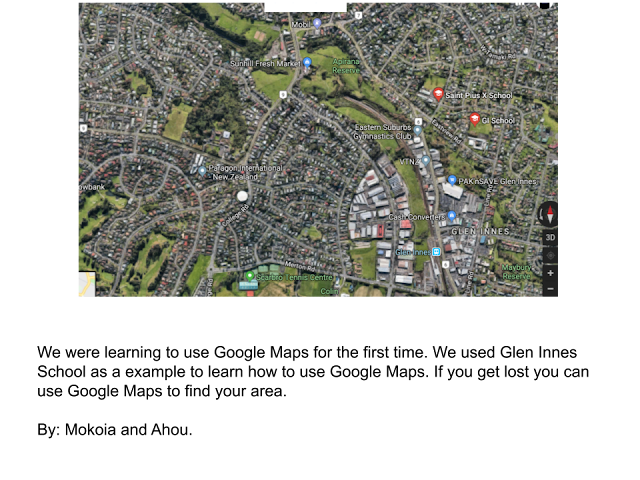
Google Maps
Google Maps - fun to explore. helps us to find lots of places. Please have a go at Google Maps and lets see if you can find your house.




Thursday, 27 June 2019
Matariki Celebration
What a full on day we had on the 27th of June.
Below is the snapshot of our Matariki Celebration Day.


Below is the snapshot of our Matariki Celebration Day.


Wednesday, 26 June 2019
Arts - Using Google Drawing
Google Drawing - we never thought that we will be able to do arts using Google Drawing. Today our teacher showed us how we can do drawing using Google Drawing. The main thing we used was - Select Line so we used "curve". We had to trace on the outline of the image by dragging, clicking and pivoting so many times by not forgetting to close the gap to see the colour changing to white. Once the colour changed to white then we can choose the related or any favourite colour and fill in using the bucket. Most of our class children found very difficult to do this Google Drawing Arts as it challenged us a lot.
For more guidance and information you can check out the slide below:


Porridge Making
Enjoy the photos of how the two Year 3/4 classes got together and made porridge for 45 learners.
Making porridge was part of our inquiry learning - Heat.
Have a look and think how the heat assisted the cooking process!
Wednesday, 12 June 2019
Infographics
Today we learnt how we can use the Google Docs and create an Infographics. Our teacher showed us 2 examples of what she learnt at Digital Fluency Intensive and demonstrated to us by making a different Infographics so we all can see how to go about making one for our own-self.
Teacher's Examples:


At first we as a class we came up with some questions/ statements we can make our Infographics about. We were given chance to choose a topic or come up with our own question/ statement
and then plan in our Inquiry Book. Working on our Inquiry book was a good idea as it saved our time while working on our Google Docs. Once our Plan was done then Docs was easy.
Below are the infographics done by the learners with some explanation:
By: Ahou

Teacher's Examples:


At first we as a class we came up with some questions/ statements we can make our Infographics about. We were given chance to choose a topic or come up with our own question/ statement
and then plan in our Inquiry Book. Working on our Inquiry book was a good idea as it saved our time while working on our Google Docs. Once our Plan was done then Docs was easy.
Below are the infographics done by the learners with some explanation:
By: Ahou

Thursday, 6 June 2019
Goodbye Cards
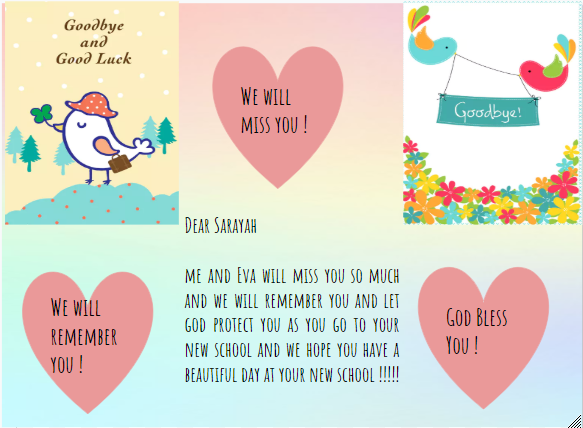
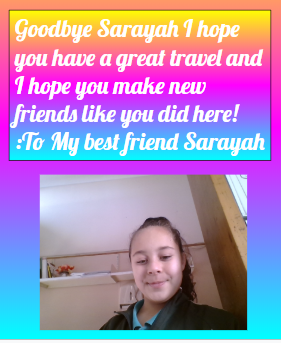
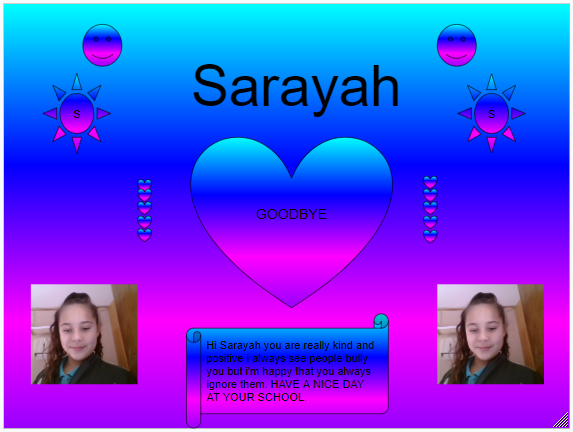
Some of the Good bye cards we made for Sarayah today. We used Google Drawing and we remembered to use licenced images. We also tried to make sure that it's nice and colourful. All the best Sarayah and do come and visit us whenever you can.
Room 8




Goodbye Sarayah
Today it was Sarayah's last day. She is going to another school in Mt Roskil. It was sad goodbye to her at the end of the day as she started to cry. However we made her a goodbye card using our Google Drawing.


Wednesday, 5 June 2019
Blog Information
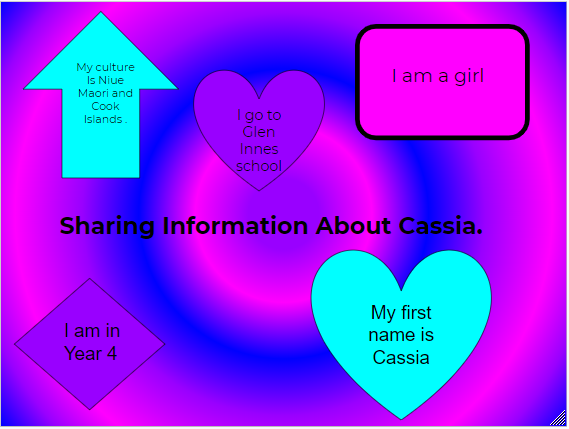
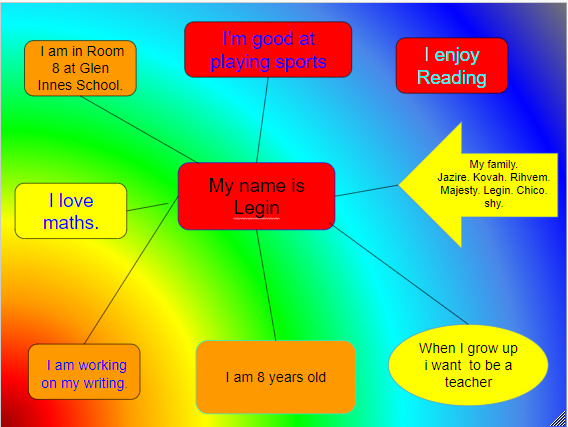
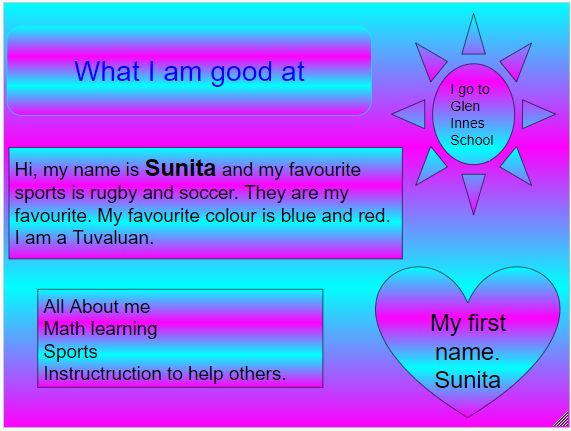
We were learning how to create a poster.
We called it either - All About Me/ Myself/ Sharing Information About Me.
It is very important what information we share online ie. what information we keep it as private and what information we share publicly.
For our poster below was the criteria we looked at;

These are our individual, creative, colourful posters we created.








Subscribe to:
Posts (Atom)